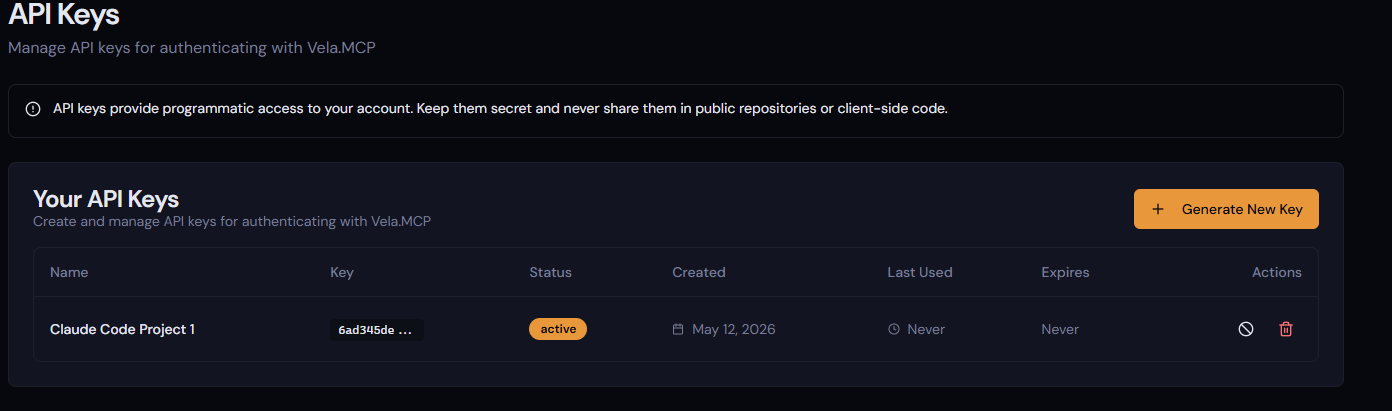
API Key Creation
API keys are how your LLM agents access Veyo.
API keys are restricted to one session at a time, so shouldn't be shared between users.
An API Key can be configured to be allowed to access only a single project, which is ideal for Development Project specific MCP configurations, or they can be configured to access any project.
An API Key configured to allow access to any project will be directed either to the Default Project configured in the dashboard, or you can define a Project ID in the MCP client configuration (insert link to MCP configuration), which will direct it to the correct Project.
Select the API Keys link from the main navigation window to show a list of your API Keys.
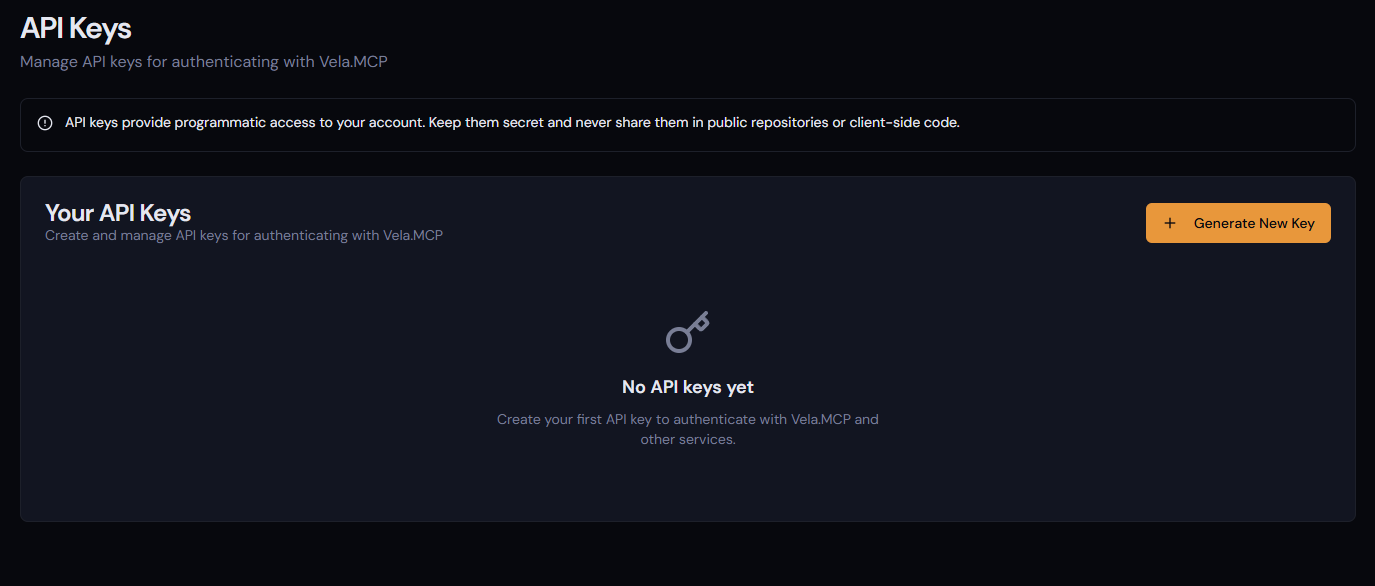
To create a new one, select Generate New Key.
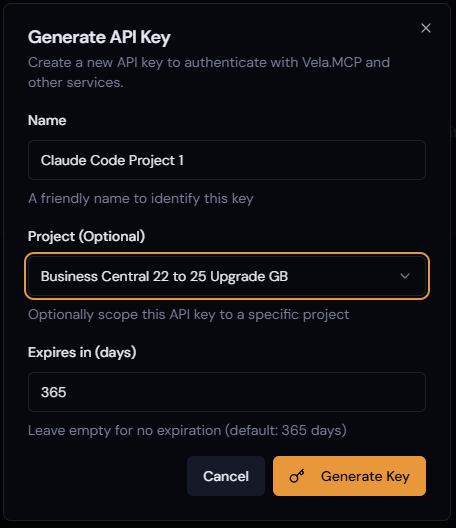
Set the Name, allocate it a project (optional) and set the number of days the Key will be valid for, then select Generate Key.
You will then be taken to an API Key Generated screen which is the only time in which you can copy the Key.
At that point you will be returned to the API Keys screen, where you will see your API Keys, and have the ability to Revoke or Delete the key, as well as see last activity details.