Organisation Setup
Your organisation is created by default when you first sign up to Veyo directly. If you accepted an invitation, you will have been made a member of a previously existing organisation, and won't be able to create an organisation of your own.
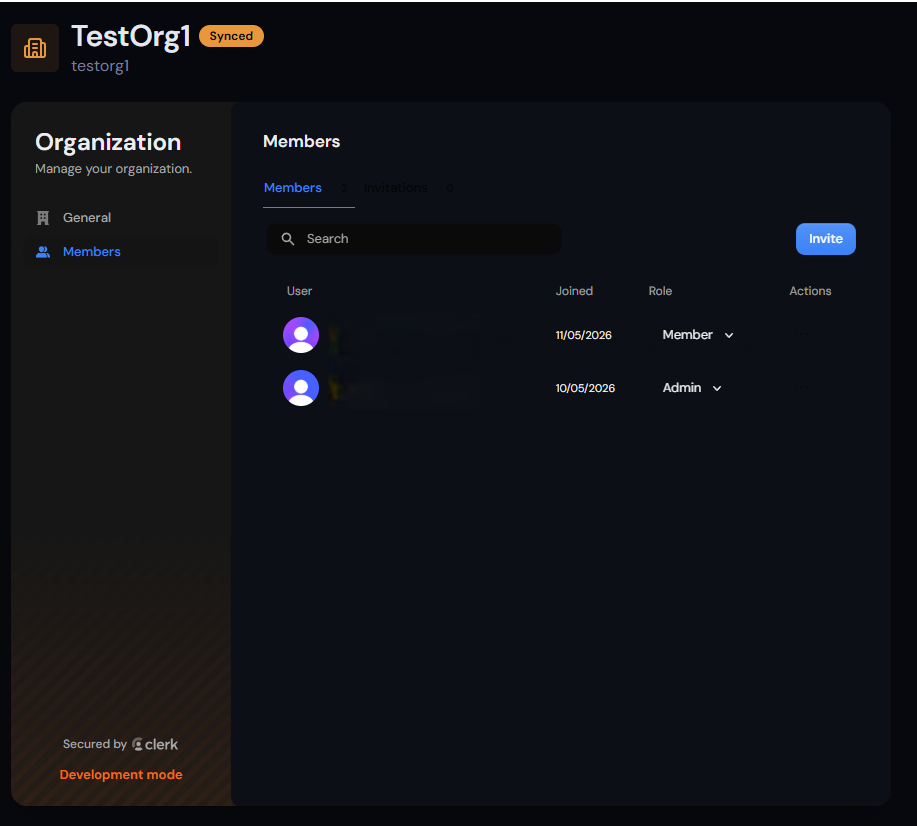
If the organisation was created when you signed up, you will automatically be made an administrator of that organisation, and you can add and remove other members. Adding users to an Organisation, and thus Veyo accounts, will require a subscription sufficient for the number of members you're adding.
The organisation link on the navigation bar will show you to the page for your organisation, and if you're an admin, you will have access to Invite additional users, and remove members, as well as see the status of any invitations you've sent.
The members within this organisation are the users that will have access to any project you create that is configured as an Organisation project.